Homeline Projector Enclosures
A practical first step for protecting your projector as you transform a house, garage, sign or other surface into a projection-mapping display.
Homeline is our homeowner-focused fan-cooled enclosure family for suitable, generally mild installation environments. The right model depends on projector dimensions, airflow, heat load and mounting location—not just the projector name.
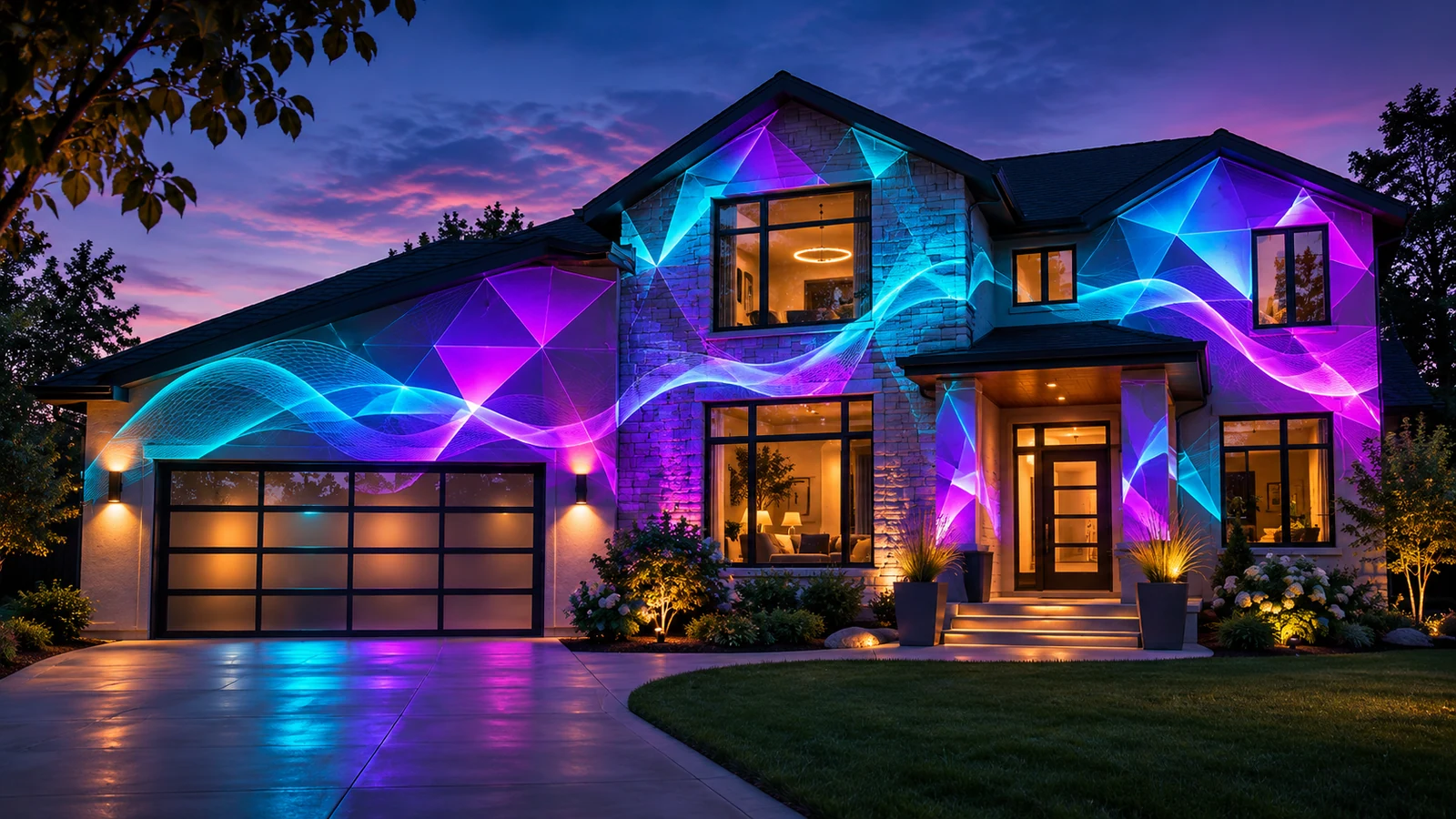
Make the projector installation simpler.
Holiday house shows, backyard experiences and other home-mapping projects are easier to plan when the projector and enclosure are selected as a system. Homeline is a starting point for suitable locations, not a one-size-fits-all box.
Projector protection
Enclosure selection accounts for equipment size, installation conditions and protection needs rather than assuming any projector fits.
Ventilation planning
Fan-assisted cooling must match the projector’s heat output and its intake and exhaust pathways. Airflow can never be blocked.
Home-friendly use
Plan the projector’s placement, mounting, lens position and operating access before choosing enclosure dimensions.
Four details that determine fit.
We review the projector and installation before recommending Homeline or another enclosure family.
- Projector make and model: including dimensions and maximum electrical power.
- Physical clearance: lens position, cable exits, intake/exhaust clearances and service access.
- Location and mounting: where the enclosure sits, its orientation and safe support.
- Climate and exposure: region, temperature, humidity, salt air and any weather or water exposure.
Start with the image you want to create.
01. Choose the surface
House facade, garage door, architectural detail, product, sign or another suitable area—consider dimensions, distance and ambient lighting.
02. Match the projector
Brightness, throw and lens placement determine what the image can cover before you choose the enclosure.
03. Review the setup
Confirm location, service access, environmental suitability, airflow and mounting before ordering hardware.
Good fit starts with good information.
Does Homeline work with every projector?
No. Every model needs a physical, airflow and heat-load review. Final fit must be confirmed before a specific projector/enclosure combination is offered.
Can I use Homeline in coastal or very humid environments?
Those conditions normally route to Defender instead. Salt air, high humidity and other harsh exposure require climate/environmental protection beyond ordinary fan-assisted cooling.
Can an enclosure improve projection brightness?
An enclosure does not increase projector light output. Choose the projector and lens for the surface, distance and lighting, then select an enclosure that accommodates them safely.
Is this page ready to receive compatibility requests?
Not yet. Online compatibility inquiries are unavailable while the contact delivery system is configured and verified.
From projector choice to a practical installation.
Browse the product lineup while the compatibility request service is configured. Online submissions are not yet enabled.