Media Servers & Projection Mapping Control
Choose a dependable way to play, schedule and operate projection mapping content.
From a simple single-projector show to more demanding multi-output installations, reliable playback depends on matching media, controller capabilities, projection equipment and operating conditions.
We help review playback hardware, controller requirements, signal paths, synchronization and operational planning before recommending an equipment configuration.
Current model availability, software integrations and hardware specifications require manufacturer confirmation. No universal multi-projector or remote-monitoring compatibility is claimed.
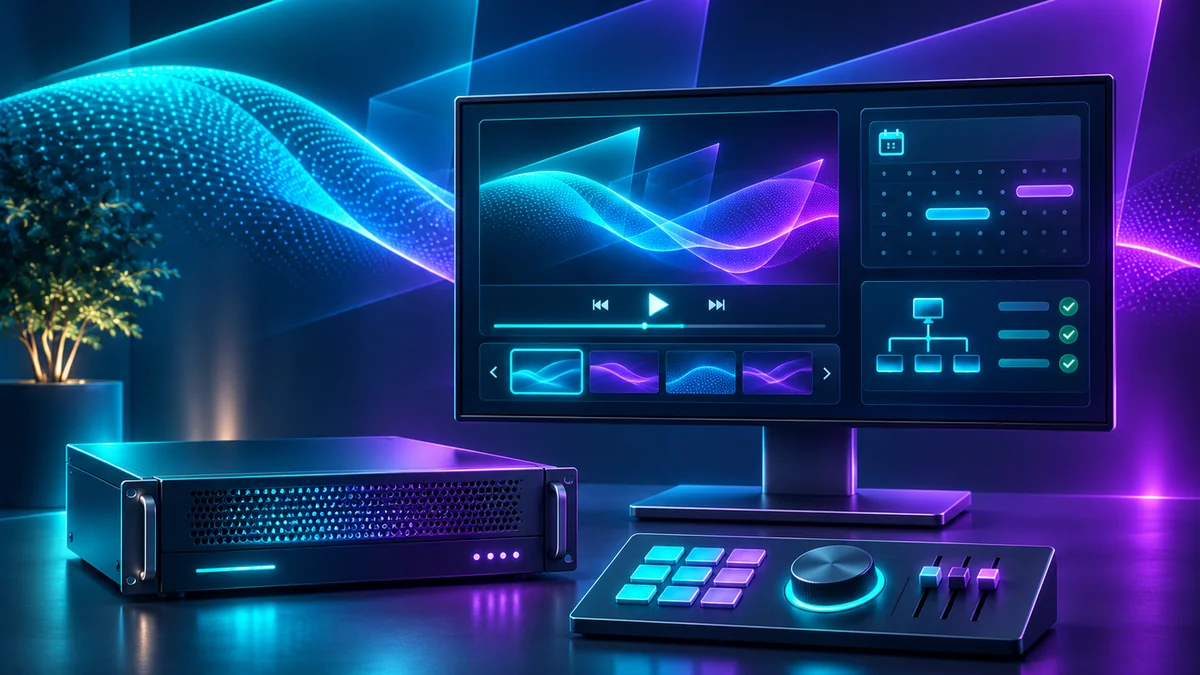
Control equipment categories
Playback devices
Choose a playback source that supports the content resolution, format, frame rate and required outputs for the installation.
Professional media servers
For demanding or multi-output projects, review processor capability, synchronized playback, content management and service strategy.
Projection mapping controllers
Determine the software interface, supported projector signal path, operator access and operational control before choosing control equipment.
Scheduling & operation
Consider scheduled shows, startup/shutdown workflows and authorized local or remote operator controls without assuming any product supports them universally.
Signal distribution
Assess cable lengths, supported transport, conversion, protection and installation constraints with a complete documented signal path.
Monitoring & service
Plan thermal monitoring, health checks, maintainability and practical fallback behavior for larger or unattended systems.
Technical review before selection
- Video output: projector input type, active pixel dimensions, refresh/frame rate, number of independent canvases and signal transport.
- Content playback: supported codecs, file/container formats, scheduling and resolution limits for the actual player or server.
- Show control: required remote/local operation, startup behavior, time synchronization and supported external interfaces.
- Projector placement: lens geometry, mapped image area and alignment for every physical projector.
- Installation environment: heat, ventilation, enclosure dimensions, cable paths, networking and service access.
- Operational safety: credential access, power isolation, network security and authorization for unattended operation.
We verify equipment capabilities against current vendor documentation. The page does not establish availability, a guaranteed playback rate, port count or equipment certification.
Built around the actual show
Seasonal home mapping
Keep playback manageable and repeatable for house displays and backyard experiences.
Commercial & retail installations
Coordinate source content, projector outputs, operator access and service for public-facing displays.
Architectural & exhibit mapping
Evaluate synchronized playback and control workflows when mapping objects, facades and larger installations.
Media server & controller FAQ
Do I need a media server for a single projector?
Not necessarily. Requirements depend on media format, source compatibility, show control, scheduling and the projector’s playback interface. Verify a specific design before deciding.
Can one controller drive multiple projectors?
Some systems support multi-output projection, but output count, mapping geometry, synchronization and supported resolutions must be verified for a specific device and software version.
Can I schedule automatic projection playback?
Scheduling is a system-design consideration. Confirm player support, clock/network behavior, operator access, safe startup/shutdown and environmental requirements.
Will these controls work with I Mapped That!?
Compatibility with the planned I Mapped That! software is not confirmed until the software and hardware interfaces have been validated. Do not treat a concept diagram as an integration guarantee.
Can SSI help review the projector, enclosure and control system together?
Yes. Provide projector make/model, mapping surface, signal path, environment and how the show will operate. Equipment suitability is confirmed by engineering review.
Choose playback and control alongside the projector.
Review the complete equipment chain, from media source through projector optics, mounting and environmental protection, before buying separate components.
Online compatibility submissions are not yet active. The homepage checklist is informational until contact delivery and privacy validation are complete.