Mounts & Projection Accessories
Plan the support, cable path and access before choosing hardware.
Projection mapping works best when projector selection, enclosure fit, mounting details, signal distribution and service requirements are reviewed as a complete system.
Explore compatible mounting and accessory categories for residential, architectural and commercial installations; exact part numbers and manufacturer ratings are confirmed before quotation.
Product imagery here is illustrative. This page does not represent a current parts price list or claim universal mount fit.
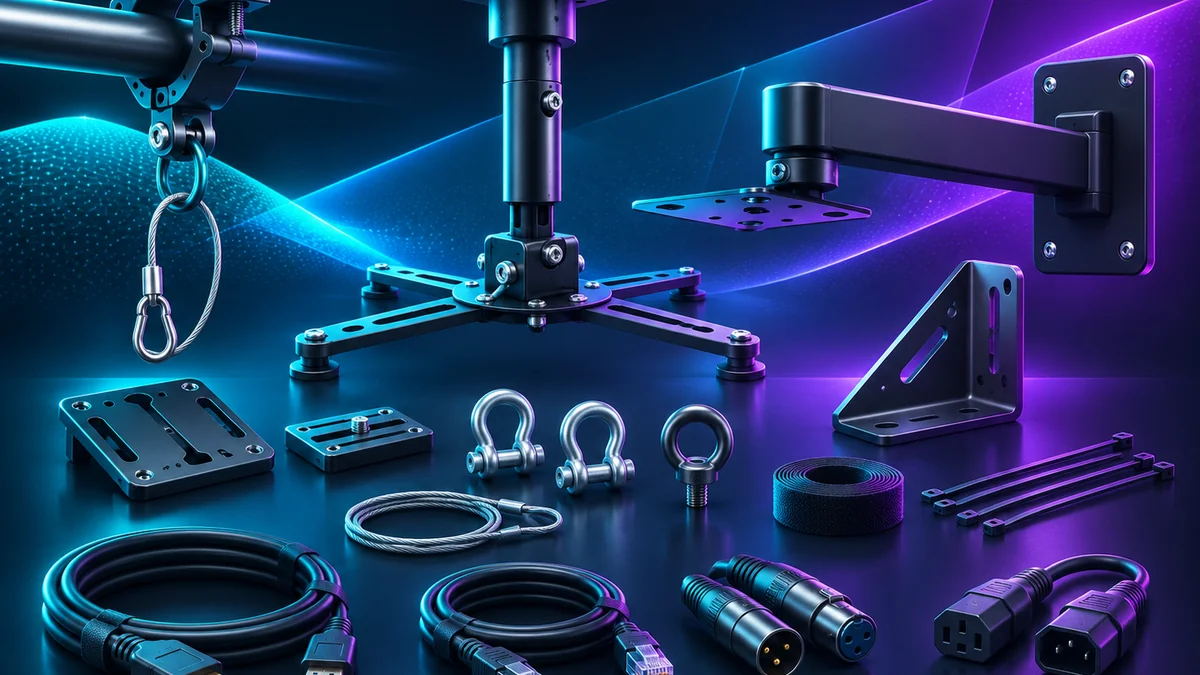
Accessories that complete the projection system.
Projector mounts
Review ceiling, wall, pole and other mounting configurations according to the actual projector chassis and approved support structure.
Enclosure mounts
Coordinate mounting with Homeline, Integrator and Defender enclosure geometry, rated loads, service access and maintenance clearance.
Custom fabrication
Special project conditions may require an engineered bracket or fabricated mounting arrangement with approved drawings and load ratings.
Cabling & signal
Plan video transport, cable protection, bend radii, connectors and serviceable routing to the projector and controller.
Power & accessories
Consider appropriately rated distribution, strain relief, surge and disconnect requirements as part of project-specific electrical design.
Service & security
Review access panels, fasteners, tamper resistance, inspection methods, permitted mounting methods and safe service clearances.
Mount and enclosure selection starts with dimensions.
- Projector model: physical dimensions, mounting interfaces, weight, lens position and cable connections.
- Enclosure configuration: internal clearance, door swing, service access, thermal design, lens-window placement and any support features.
- Structure: substrate, mounting loads, structural approval and applicable permits or regulations.
- Environment: indoor or outdoor use, local climate, salt air, humidity, wind exposure and required corrosion resistance.
- Orientation: projector’s approved operating positions, optical alignment and safe access for adjustment.
- Cabling: signal distances, cable protection, bend radius, mounting movement, service loops and electrical separation.
Our environmental routing remains Homeline or Integrator for suitable mild installations and Defender evaluation for coastal, salt-air, high-humidity or otherwise harsh environments. Exact projector fit and enclosure thermal capacity must still be checked.
Hardware planned for the installation.
Home mapping
Plan homeowner-friendly projector positioning, easy service access, secure equipment placement and cabling for seasonal installations.
Professional AV
Coordinate projector optics, enclosure construction, structure and service requirements for commercial and retail displays.
Architecture & exhibits
Develop custom mounts or approved hardware as needed for sculptures, facades, objects, immersive displays and event features.
Mounts & Accessories FAQ
Are the mounts universal?
No. Every mounting design needs the correct projector or enclosure mounting interface, exact load and center of gravity, mounting orientation, structural support and service clearance.
Can I suspend an enclosure overhead?
Only when the specific enclosure, mount, structure, hardware and local installation requirements have been reviewed and approved by qualified professionals. A generic bracket or capacity statement is not sufficient.
What mounting details do I need to provide?
Provide projector or enclosure make/model, full dimensions and weight, mounting orientation, available structure, elevation, site conditions, cable path and expected service access.
Can these accessories be used outdoors or near the coast?
Environmental suitability, corrosion protection, hardware materials and ingress performance are product-specific. Coastal, salt-air and high-humidity systems should be reviewed with Defender environmental routing.
Does Projection Mapping Supply perform electrical work?
Electrical installation, supply circuits and code-compliant connections must be arranged with a qualified electrical contractor. Equipment selection and mounting coordination do not substitute for licensed electrical work.
Do you offer a verified mount for any projector?
A suitable mount is selected only after compatibility and engineering review. The page does not assert stocked inventory or a universal certification.
Verify the projector, enclosure and structure together.
Prepare the actual projector model, proposed installation location, mount orientation, structure and any environmental constraints before requesting a hardware recommendation.
Online compatibility submissions remain disabled until approved delivery and privacy tests pass. Refer to the checklist for planning only.