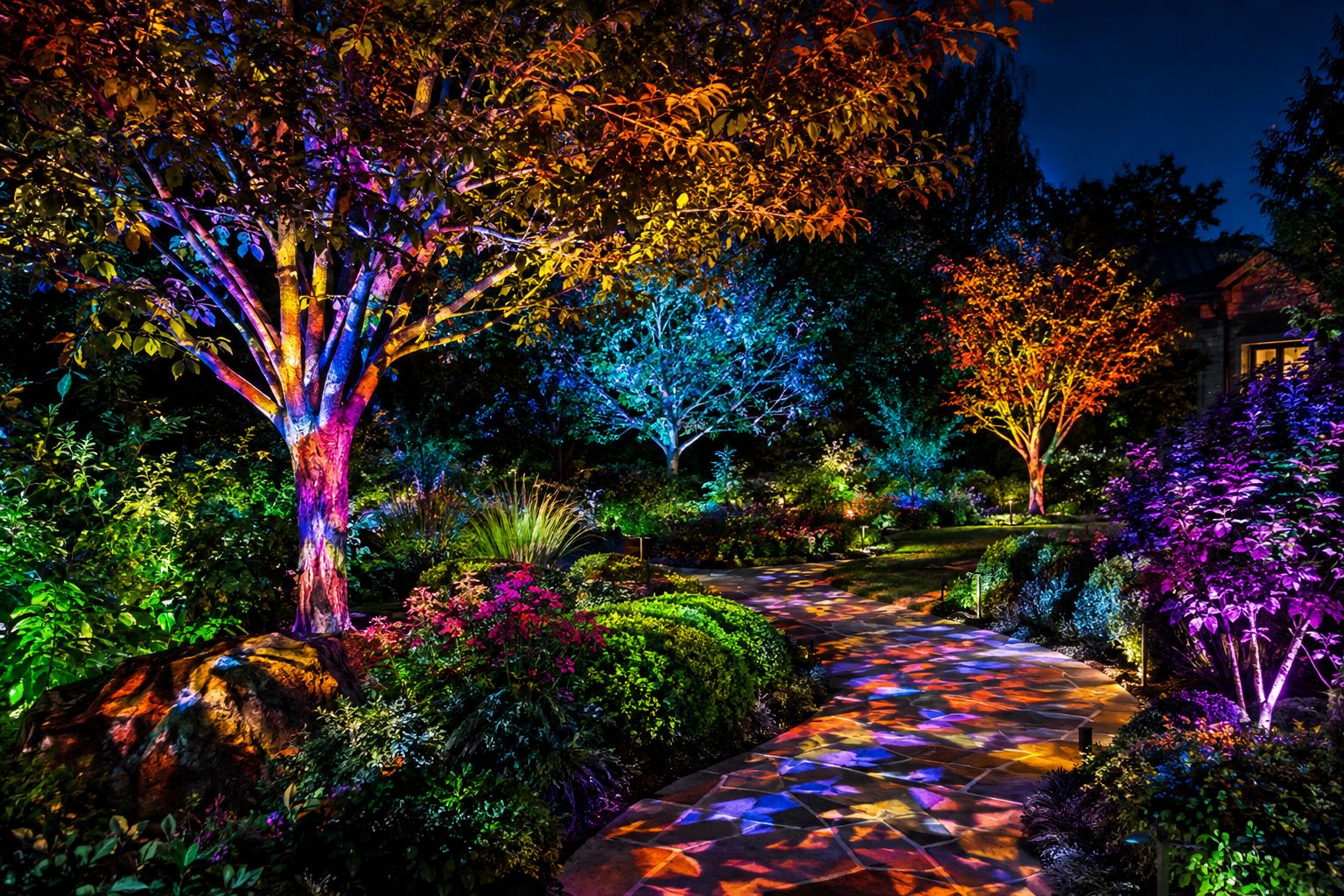
Projection mapping isn’t just for building facades. With recent advances in projectors and mapping software, homeowners can turn yards, trees, and landscaping into vibrant, immersive canvases for holidays, celebrations, and everyday ambiance. This guide walks you through critical considerations for outdoor projection mapping, from ideal equipment and enclosure selection to practical setup tips and reliable safety practices.
Essential Considerations for Yard and Tree Projection Mapping
Outdoor spaces—especially trees, hedges, gardens, and uneven terrain—pose unique challenges and creative opportunities. When planning your mapping project, account for irregular shapes, moving foliage, and environmental factors such as dew or humidity. Prioritize projectors with good brightness and sharpness, matched to your display scale and ambient light. Security and electrical safety are critical for equipment running outdoors, especially after dark.
Start with the Homeline Projector Enclosure
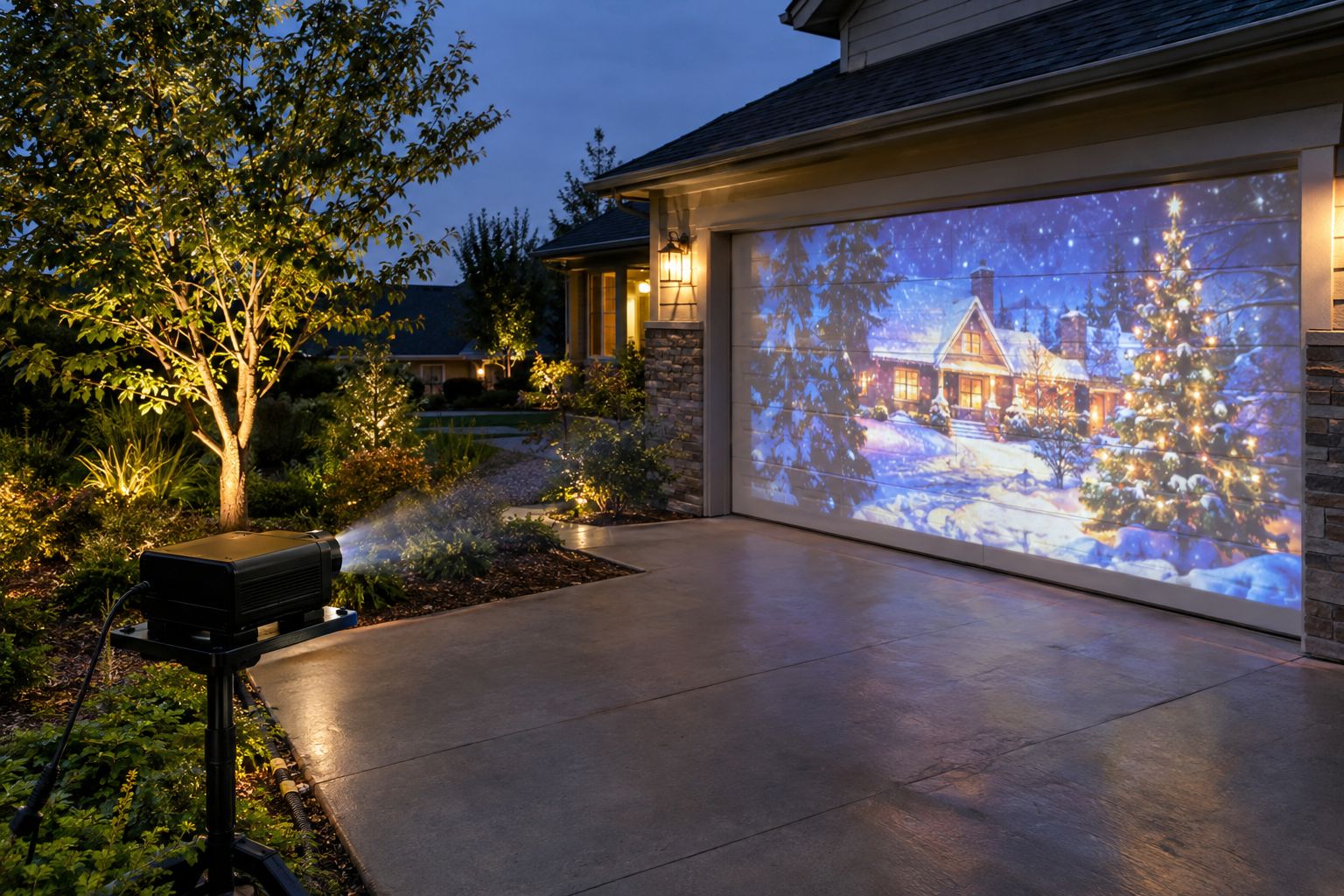
The Homeline enclosure is specially designed for homeowners, combining effective fan-cooled protection with a compact, low-profile form. It’s well-suited for mild weather and simple residential setups—whether projecting onto trees, landscaping, garage doors, or house facades. The easy-access design supports routine projector adjustments while helping to keep equipment dry and safe from debris. For most yard, facade, and garden projection needs, Homeline is the ideal enclosure choice.
Explore Homeline & request projector-fit guidance
Confirm projector dimensions, lens position, ventilation, and power before ordering.
Showcasing Trees and Landscapes with Projection Mapping
Projection mapping dramatically transforms organic shapes: map color, motion, and patterns onto tree trunks, canopies, or garden beds. Bright, focused projection brings ordinary landscaping to life for holidays and events. Choose mapping content that interacts with the environment for the most striking effect.
Projector Placement and Throw Distance Tips
Careful projector placement ensures your mapped graphics cover target surfaces without distortion or wasted light. For trees and landscaping, experiment with off-axis angles for dramatic effects, but minimize shadows and light spill. Critical factors include:
- Positioning the projector close enough for a crisp image, but far enough to cover the desired area.
- Accounting for natural obstacles—branches, rocks, bushes—by testing throws before permanent installation.
- Utilizing software tools to digitally keystone or warp the projection onto uneven shapes.
Enclosure Comparison: Homeline vs. Integrator vs. Defender
| Product | Best for | Cooling | Major Climate Suitability |
|---|---|---|---|
| Homeline | Ordinary residential yards, trees, facades in mild weather | Fan-cooled | Mild, non-coastal climates |
| Small Integrator | Compact professional or semi-permanent installs needing extra adjustment | Fan-cooled | Mild climates; when professional adjustment needed |
| Small Defender | High humidity, salt-air, or harsh weather environments | Climate-controlled | Coastal or harsh conditions; up to 500W projectors (space permitting) |
Specialty/commercial options: Larger Integrator and Defender enclosures accommodate higher-power projectors for expansive, commercial-scale displays. For routine home landscaping or yard mapping, Homeline remains the top recommendation.
Quick Steps to Set Up Yard Projection Mapping
- Assess your yard’s topography and identify clear projection zones on trees, foliage, or landscaping features.
- Measure throw distance: set up your projector and test content on the desired surfaces from various angles after dusk.
- Select a suitable outdoor enclosure—start with Homeline for typical mild climates—and verify fit for your projector model.
- Connect power and video cables securely, routing them to avoid trip hazards or water exposure.
- Use mapping software to outline projection zones, then calibrate by warping/keystoning content for unusual surfaces.
- Test your projection for brightness and focus. Adjust as foliage or surfaces shift with weather or wind.
Seasonal Showstoppers
Transform trees and landscaping into magical displays for holidays, birthdays, and family events. Stand apart in your neighborhood—all without permanent alterations.
Limitless Creative Control
Mapping software lets you blend animations, photographs, or themed video into the natural curves of your yard. Change designs instantly from your computer or compatible mobile device.
Non-Invasive Setup
No need for nails or staples in trees. With the right enclosure, projectors stay protected and stable on lawns, patios, or planters.
Choosing Mapping and Rear Projection Film for Windows
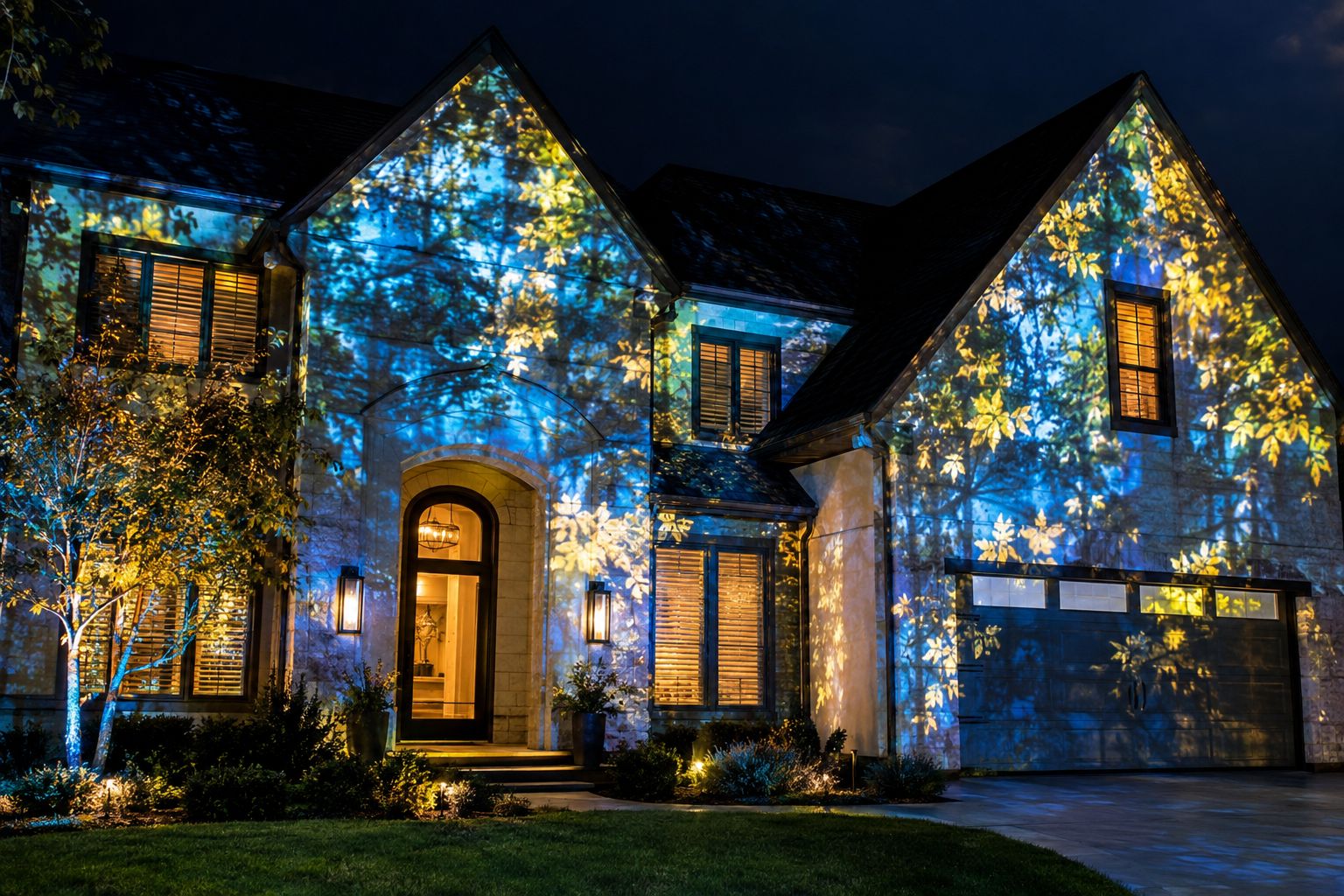
Looking to include windows in your mapped display? Window Mapping Film goes on the outside of suitable windows. Untreated glass lets projected light pass straight through, which leaves dark gaps in the show. The film gives that light a surface to catch, so the image carries across the windows, and the glass stays largely see-through when the projector is off. Glass type and exterior exposure are checked for each project. See Window Mapping Film. Rear Projection Film is a different product: it turns a suitable window or clear panel into a screen you project onto from behind, so the projector can stay inside. See Rear Projection Film.
Outdoor Projection Safety & Risk Checklist
- Always use weather-rated outdoor enclosures to protect projectors from rain, dust, and pests.
- Route cabling away from pathways; use ground covers or cord protectors to prevent tripping.
- Connect to GFCI-protected power outlets to minimize electrical shock hazards.
- Avoid placing enclosures in direct puddles or standing water zones.
- Never enclose hot projectors without confirming airflow; overheating can damage your equipment.
- Inspect all connections before and after each use—especially after storms or heavy dew.
Projection Mapping Software and Calibration Essentials
To map content seamlessly onto trees and landscaping, mapping software is indispensable. It lets you blend content over organic forms, mask backgrounds, and adjust for irregular shapes. Key calibration tips:
- Use edge blending and masking tools to prevent light spill onto unintended areas.
- Anchor calibration points on prominent branches or trunks for easy re-adjustment after wind or movement.
- Save your mapping profiles. With changing seasons or growth, regular recalibration keeps your display crisp.
Frequently Asked Questions
What’s the best projector enclosure for most backyards?
The Homeline projector enclosure is made for residential yards in mild, non-coastal climates. It blends compact design with fan-cooled protection; fit is checked for each projector model.
Can I project onto trees with moving leaves?
Yes! Projection mapping software can adjust for some motion, and the effect of moving leaves can add dynamic, shimmering effects to your mapped visuals. Just recalibrate when major wind shifts occur.
Is special software required, or can I just play a video?
While you can play simple videos, specialized projection mapping software enables accurate calibration, masking, and warping onto irregular shapes like trees and landscaping.
How do I protect projectors from rain and dew?
Always use an outdoor-rated enclosure like the Homeline (for mild climates). For harsher or coastal conditions, the Small Defender adds climate control.
Will projection mapping damage trees or plants?
No. Light projections are non-invasive and don’t harm living plants, provided heat from projectors is managed via proper enclosure airflow.
Can I use projection mapping on windows and doors as well?
Yes. Window Mapping Film on the outside of the glass lets projected light show on the windows instead of passing through.
Are medium or large enclosures needed for residential use?
For most homes, Homeline or Small Integrator enclosures suffice. Medium/Large options are typically reserved for commercial-scale or multi-projector installations.
Ready to Map Your Home? Start with Homeline.
Transform your outdoor space with projection mapping onto trees and landscaping for the ultimate holiday, special event, or creative showcase. Begin by exploring the Homeline projector enclosure, ideal for most residential needs.
Get expert help matching enclosures to your projector—reach out now via our contact page for a personalized quote or guidance.